
Wrong UPI Transfer on PhonePe, Paytm or GPay? Follow These Steps to Recover Your Money

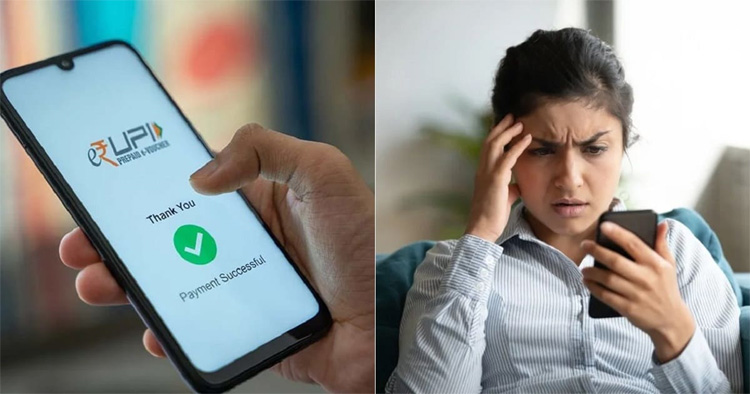
The quickest and most straightforward way to fix the error is by reaching out to the person who received the money. If the UPI ID belongs to someone you know, a simple request might resolve the issue. However, if the recipient is uncooperative or unreachable, you’ll need to explore other options.
The first formal step is to report the incorrect transaction within the app you used—whether it’s PhonePe, Google Pay, or Paytm. Go to the Help or Support section and raise a complaint. You’ll need to provide essential details like the transaction ID, the recipient’s UPI ID, the amount transferred, and the date. Most platforms have dedicated teams that handle such complaints.
If the app doesn’t resolve your issue, escalate the matter to the National Payments Corporation of India (NPCI). Visit the NPCI website and go to the ‘Dispute Redressal Mechanism’ section. Fill out the form with your transaction details, including the UPI ID, amount, date, your contact details, and a copy of your bank statement showing the deduction. Be sure to select the reason “Incorrectly transferred to another account.”
As per NPCI’s dispute resolution framework, the complaint follows a stepwise escalation:
– First, contact the Third Party Application Provider (TPAP)—this is the payment app you used.
– If there’s no resolution, escalate the issue to the Payment Service Provider (PSP) bank linked to your app.
– Next, approach your own bank, especially if it’s different from the PSP.
– Finally, if all the above steps fail, you can escalate the matter to NPCI.
If your complaint remains unresolved for over 30 days or if you’re unhappy with the resolution, you can take it up with the RBI Ombudsman for Digital Transactions. File the complaint within the jurisdiction of your bank branch or the payment platform’s office. Keep all your documents ready—emails, screenshots, complaint references, and bank statements.
Throughout the complaint process, it’s important to track the status of your case. Whether through the app or your bank’s support team, staying updated will help you respond faster if the issue requires further escalation.
To prevent such errors from happening again, always double-check the recipient’s UPI ID or mobile number before hitting ‘Send’. Save frequently used contacts to reduce manual typing errors. You can also enable payment confirmations and set limits to minimize the risk of large transfers going wrong.
Comments are closed.